The KODAK Step Slim Instant Smartphone Photo Printer review is for travelers, memory keepers, and casual creators who want small physical prints without carrying a full-size printer.
Its compact design, Bluetooth connection, Zink paper, and editing app make it a simple fit for turning phone photos into shareable stickers.
KODAK Step Slim Review Summary
The quick verdict
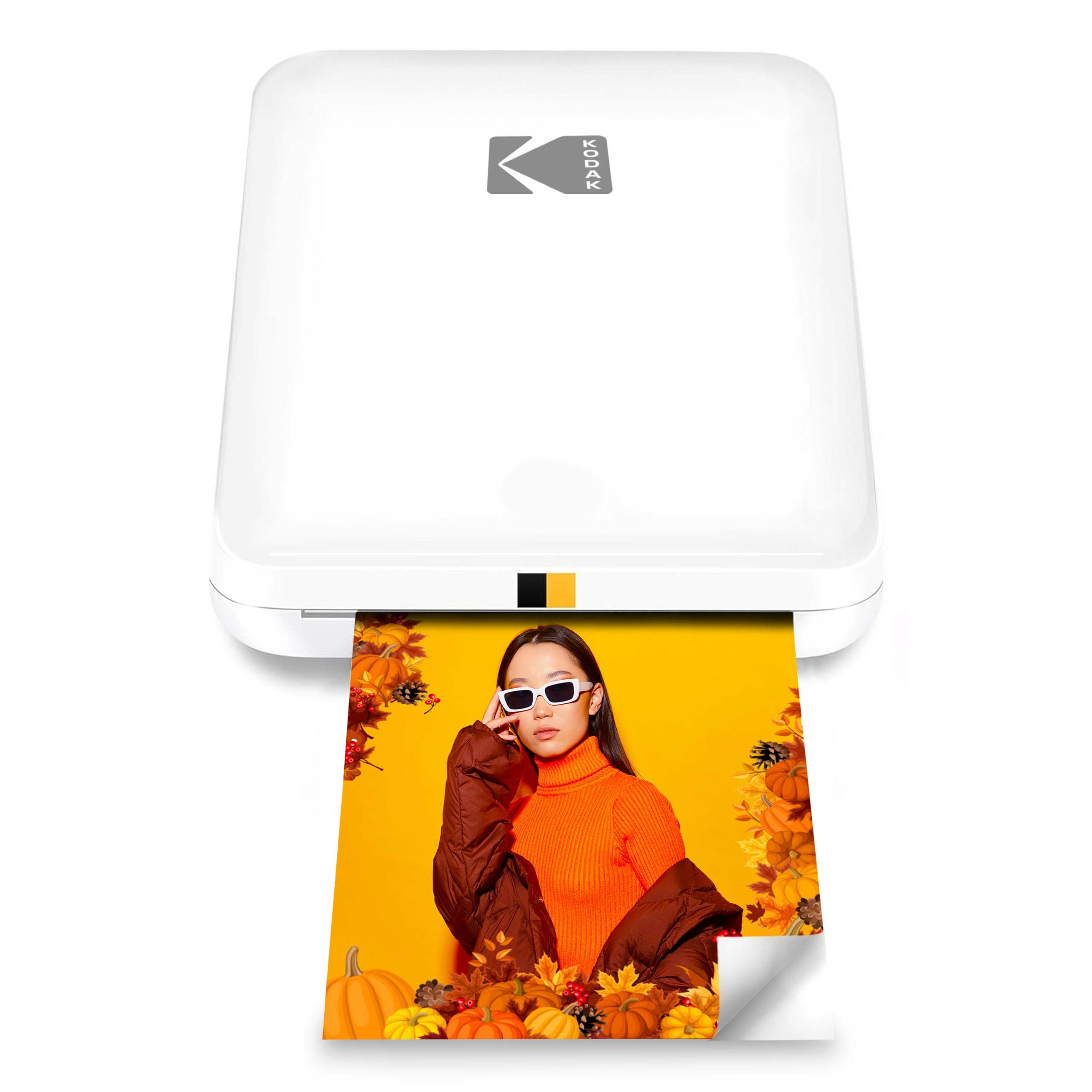
500+ ratings
Read Amazon ReviewsKODAK Step Slim Instant Smartphone Photo Printer
A pocket-sized option for travelers and scrapbookers who want quick, customizable sticky-back prints from a smartphone.
- Prints full-color 2-by-3-inch photos on adhesive-backed Zink paper.
- Connects to iOS and Android smartphones through Bluetooth.
- Uses Zink Zero Ink technology, so no ink or toner is required.
- Pairs with the KODAK STEP Prints app for photo editing and printing.

Pros
- Compact form makes it convenient to bring on trips or to gatherings.
- Adhesive-backed prints can double as small stickers for crafts and decorating.
Consider before buying
- The 2-by-3-inch output is small, which may not suit buyers who want larger display prints.
- Printing depends on compatible Zink photo paper, so buyers should check paper availability and ongoing supply costs.
Read the full review summary
The Step Slim focuses on spontaneous 2-by-3-inch color prints: pair it with a smartphone, choose a photo, personalize it in the KODAK STEP Prints app, and print on adhesive-backed Zink paper.
With no ink or toner to manage, the setup suits quick creative projects and keepsakes more than routine document printing.
Its strongest appeal is portability and an easy path from digital image to decorated notebook, wall, or scrapbook page.
The small format is practical for travel and casual sharing, while buyers who prioritize larger prints or broad-purpose printing should consider whether this format matches how they plan to use it.
The buying factors
KODAK Step Slim Scorecard
Editorial scores reflect listed features and buyer fit; they are not laboratory measurements or customer ratings.
Travel portability
The thin, compact, pocket-sized design is suited to carrying along for outings and trips.
Print format flexibility
It makes 2-by-3-inch prints, a handy size for keepsakes and stickers but a fixed compact format.
Creative editing
The companion app supports frames, stickers, and other photo personalization.
Ink-free convenience
Zink paper removes the need to handle ink cartridges or toner.
Phone-based workflow
Bluetooth printing from iOS and Android keeps the process centered on a smartphone.
On-the-go usefulness
The product is designed for portable printing, with prints described as ready in under a minute.
Key Features and Specifications of KODAK Step Slim
- Prints full-color 2-by-3-inch photos on adhesive-backed Zink paper.
- Connects to iOS and Android smartphones through Bluetooth.
- Uses Zink Zero Ink technology, so no ink or toner is required.
- Pairs with the KODAK STEP Prints app for photo editing and printing.
- The app offers frames, stickers, and other personalization options.
- A slim, lightweight, pocket-sized design is intended for portable use.
- Prints are described as dry to the touch and ready in under a minute.
Pros and Cons of KODAK Step Slim
Pros
- Compact form makes it convenient to bring on trips or to gatherings.
- Adhesive-backed prints can double as small stickers for crafts and decorating.
- App-based frames and stickers add creative options before printing.
- Ink-free printing avoids carrying separate ink or toner supplies.
Consider before buying
- The 2-by-3-inch output is small, which may not suit buyers who want larger display prints.
- Printing depends on compatible Zink photo paper, so buyers should check paper availability and ongoing supply costs.
- The customization workflow relies on the companion smartphone app and Bluetooth connection.
Who Should Buy KODAK Step Slim?
Good fit
Consider the KODAK Step Slim if you want a portable way to turn phone photos into small keepsakes during travel, parties, or creative projects.
Its pocket-sized design and Bluetooth workflow are aimed at spontaneous printing without a computer or bulky equipment.
It is particularly appealing for scrapbookers and anyone who likes adding decorative frames or stickers before printing.
The adhesive backing makes the output easy to place in a journal or on a suitable surface, while the compact format keeps the prints manageable to share.
Before choosing it, think about how often you will print and whether 2-by-3-inch images are the size you want.
Check the availability and cost of compatible Zink paper for your expected use, since the printer depends on that consumable even though it does not use ink.
Who should skip it
Skip this model if your main goal is printing larger photographs or documents; its design centers on small 2-by-3-inch photo prints.
It may not suit you if you prefer a printing workflow that does not depend on a smartphone app and Bluetooth. Consider how you like to select and edit images before buying.
How the KODAK Step Slim fits a travel photo routine
Pocket-size printing for trips
The compact, lightweight design is meant to make printing part of an outing rather than a separate home setup.
That can be useful when you want a few physical reminders from a trip or gathering, though the small output favors snapshots and craft use over larger framed photos.
A small format with a clear purpose
The 2-by-3-inch size is well matched to notebooks, scrapbooks, and other compact displays. Adhesive backing adds placement flexibility, but buyers should decide whether this small footprint works for their intended keepsakes before choosing the printer.
Editing before printing
The STEP Prints app provides frames, stickers, and other ways to personalize an image before it becomes a print.
This adds a creative step that can make the printer more engaging for journaling or sharing, while buyers should be comfortable using a phone app as part of the process.
Paper and ink-free operation
Zink printing uses photo paper rather than separate ink or toner supplies, reducing the number of consumables to manage.
Paper remains essential, so frequent users should factor compatible Zink paper into their plans and check supply availability before relying on it for a project.
Alternatives to KODAK Step Slim
Sticker-print alternative
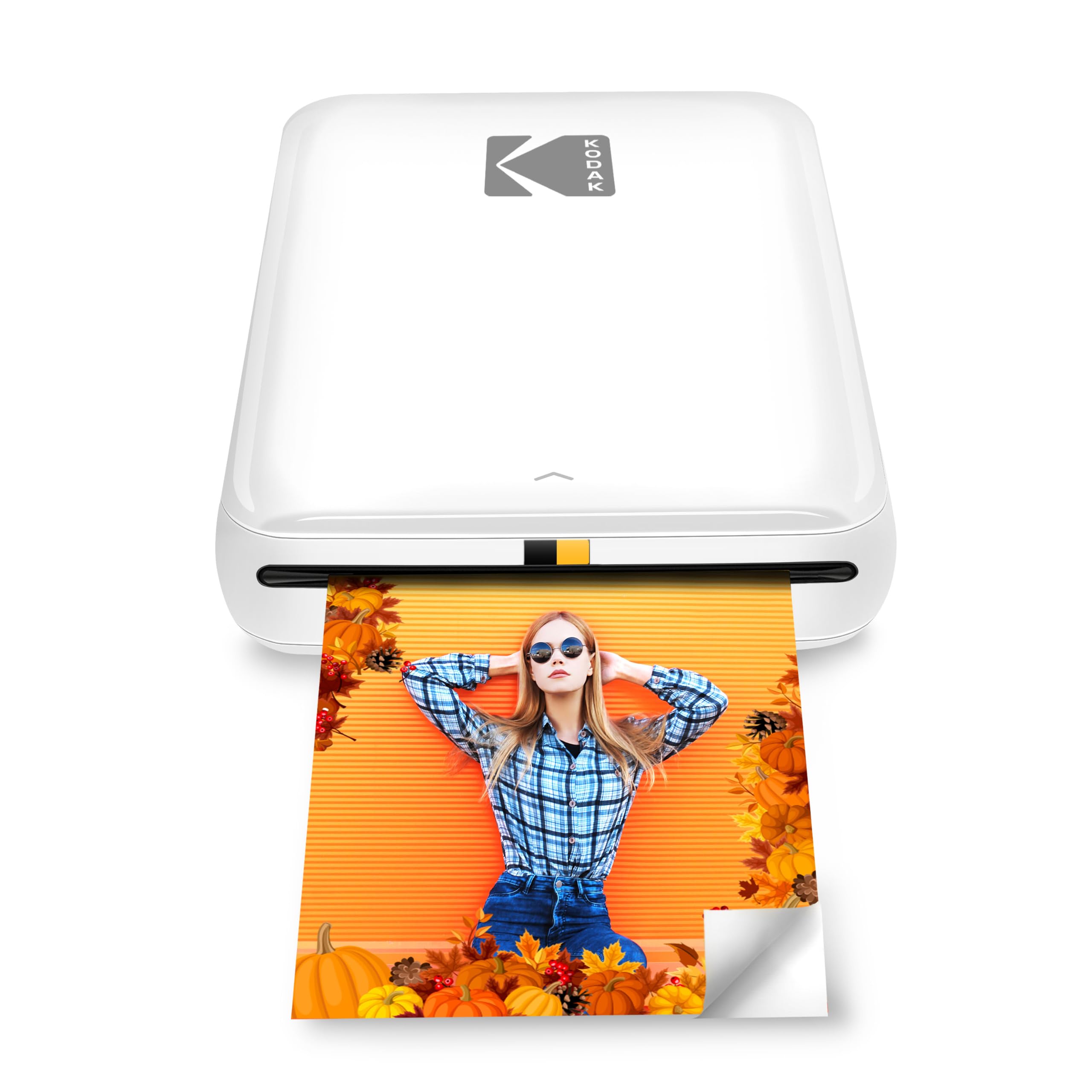
20,000+ ratings
Read Amazon ReviewsKODAK Step Instant Smartphone Photo Printer
Choose the Step Slim if its slim, pocket-sized design is the priority. Consider the KODAK Step if NFC pairing or the stated battery capacity matters more to your travel routine; both target small, adhesive-backed smartphone prints.
- The KODAK Step also prints 2-by-3-inch sticky-back Zink photos and offers app editing, while its product details specify Bluetooth or NFC pairing and a rechargeable battery described as supporting up to 25 photos per charge.
- The Step Slim pairs a compact design with 2-by-3-inch Zink prints, Bluetooth smartphone printing, and app-based personalization.
Portable Photo Printers alternative

25,000+ ratings
Read Amazon ReviewsHP Sprocket Select
Choose the KODAK Step Slim for its smaller 2-by-3-inch print format. The HP Sprocket Select is a better fit if you want a larger print area while keeping a portable smartphone-based Zink workflow.
- The HP Sprocket Select prints larger 2.3-by-3.4-inch Zink photos, connects to iOS and Android through Bluetooth 5.1, and includes HP app editing features.
- The KODAK Step Slim produces 2-by-3-inch Zink prints and supports personalization through the KODAK app.
Is KODAK Step Slim Worth It?
The KODAK Step Slim is worth considering if your priority is carrying a compact printer for small, personalized phone-photo prints.
Its adhesive-backed Zink format, Bluetooth workflow, and app editing are well suited to travel memories, scrapbooks, and casual sharing.
The main tradeoffs are the fixed 2-by-3-inch format and the need to keep compatible paper on hand.
If that print size fits your projects and you are comfortable editing from a smartphone, the Step Slim offers a focused, portable way to make digital photos tangible.
Your review at a glance
500+ ratings
Read Amazon ReviewsKODAK Step Slim Instant Smartphone Photo Printer
A pocket-sized option for travelers and scrapbookers who want quick, customizable sticky-back prints from a smartphone.
- Prints full-color 2-by-3-inch photos on adhesive-backed Zink paper.
- Connects to iOS and Android smartphones through Bluetooth.
- Uses Zink Zero Ink technology, so no ink or toner is required.
- Pairs with the KODAK STEP Prints app for photo editing and printing.